Item: Mangrove Font Duo
Price: $29.00
SKU:
Categories: All Fonts, Best Selling Fonts, Clean Fonts, Font Duos, Sans Serif Fonts
Tags: bold, chunky, clean, duo, fun, pairing, sans, Script
Our Font License terms can be viewed here.
Price: $29.00
SKU:
Categories: All Fonts, Best Selling Fonts, Clean Fonts, Font Duos, Sans Serif Fonts
Tags: bold, chunky, clean, duo, fun, pairing, sans, Script
Our Font License terms can be viewed here.
Please Contact Us if you have any licensing queries, or for a custom license quote.
Free Downloads are distributed under our Standard License.
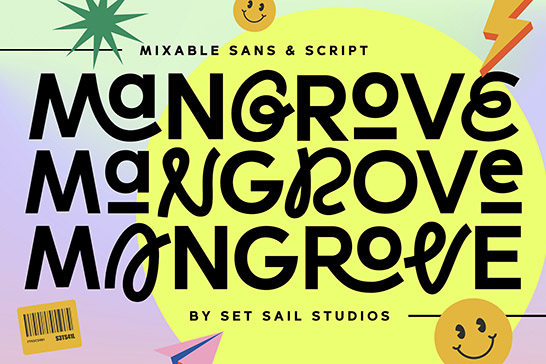
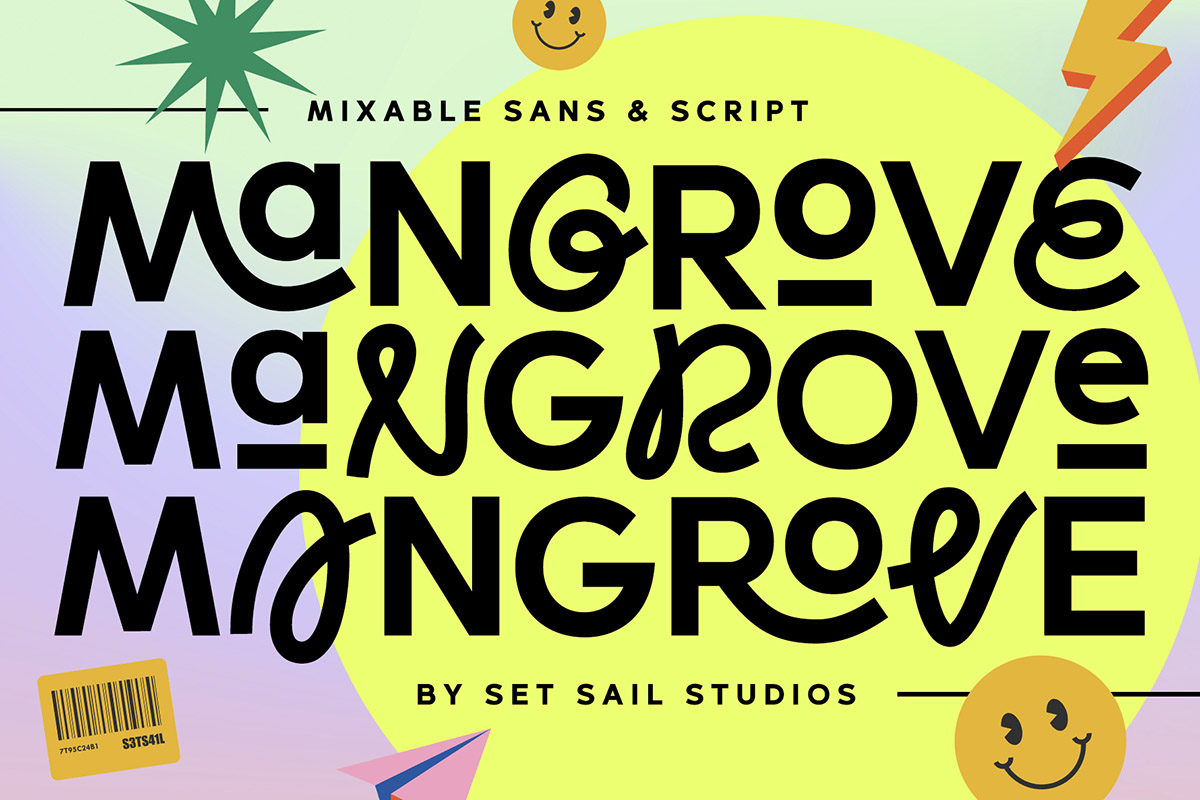
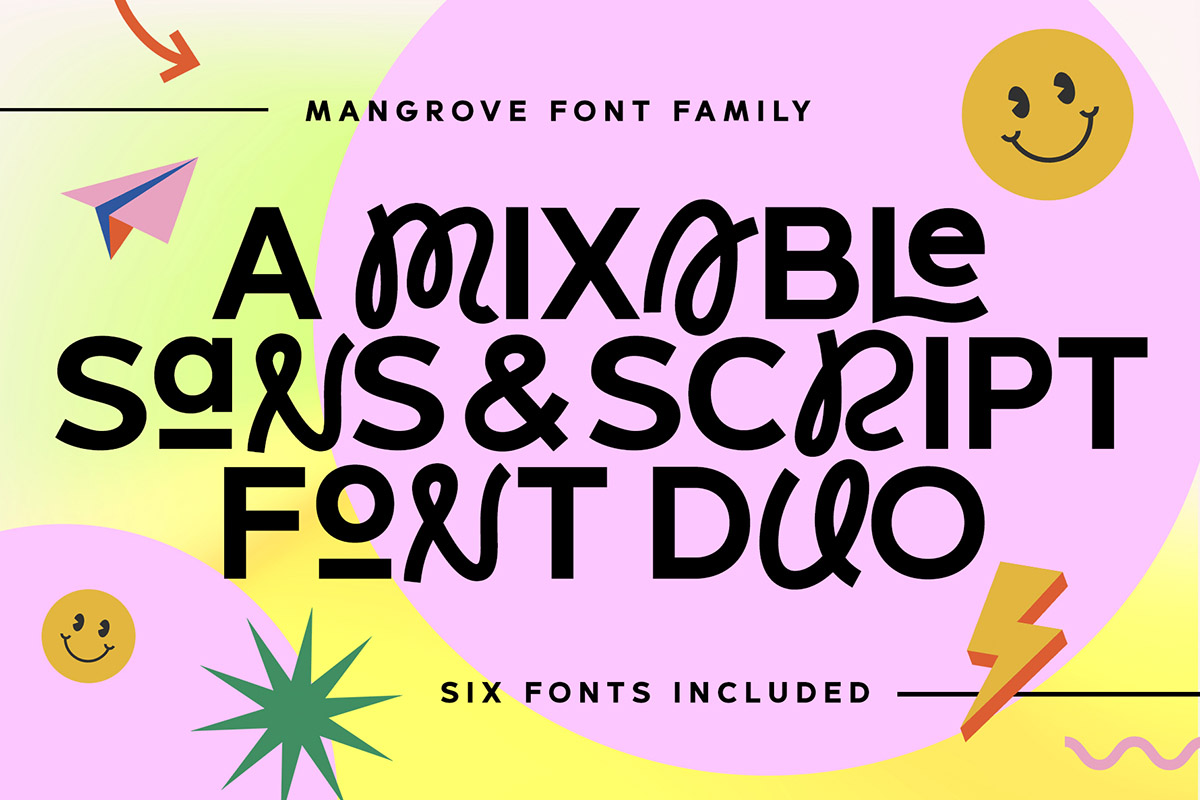
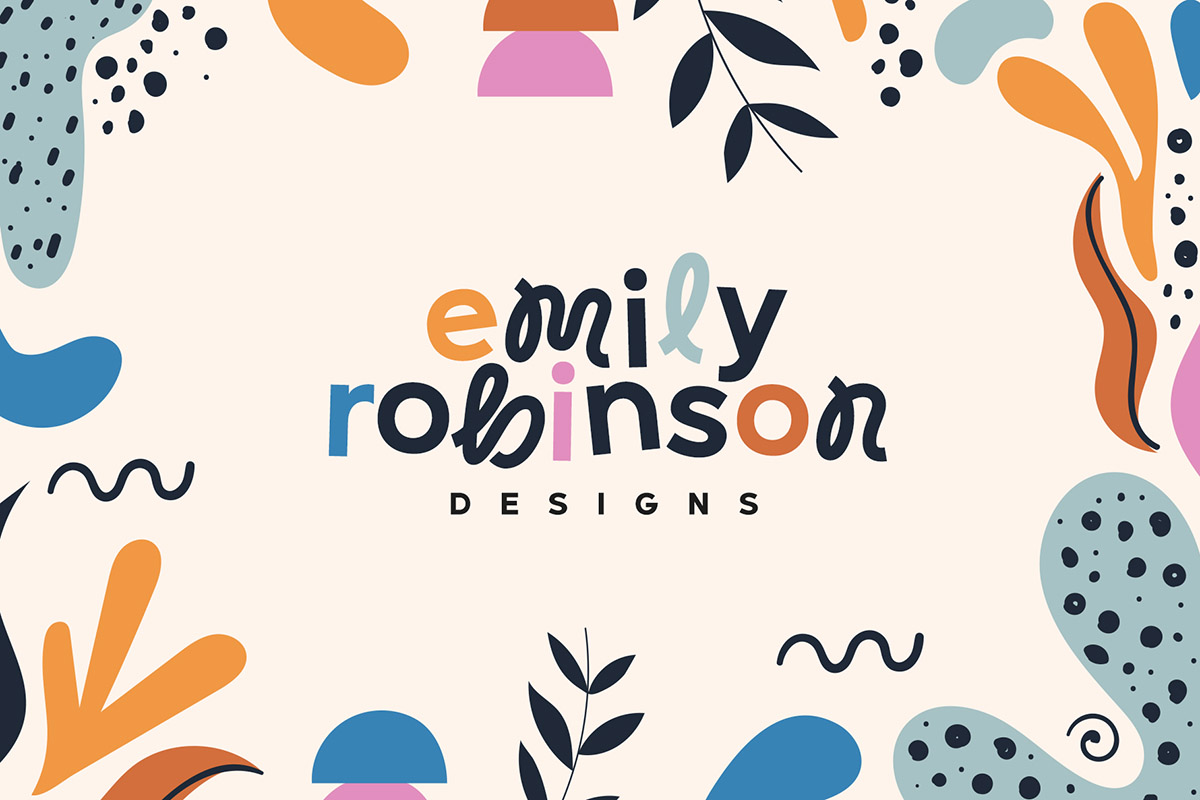
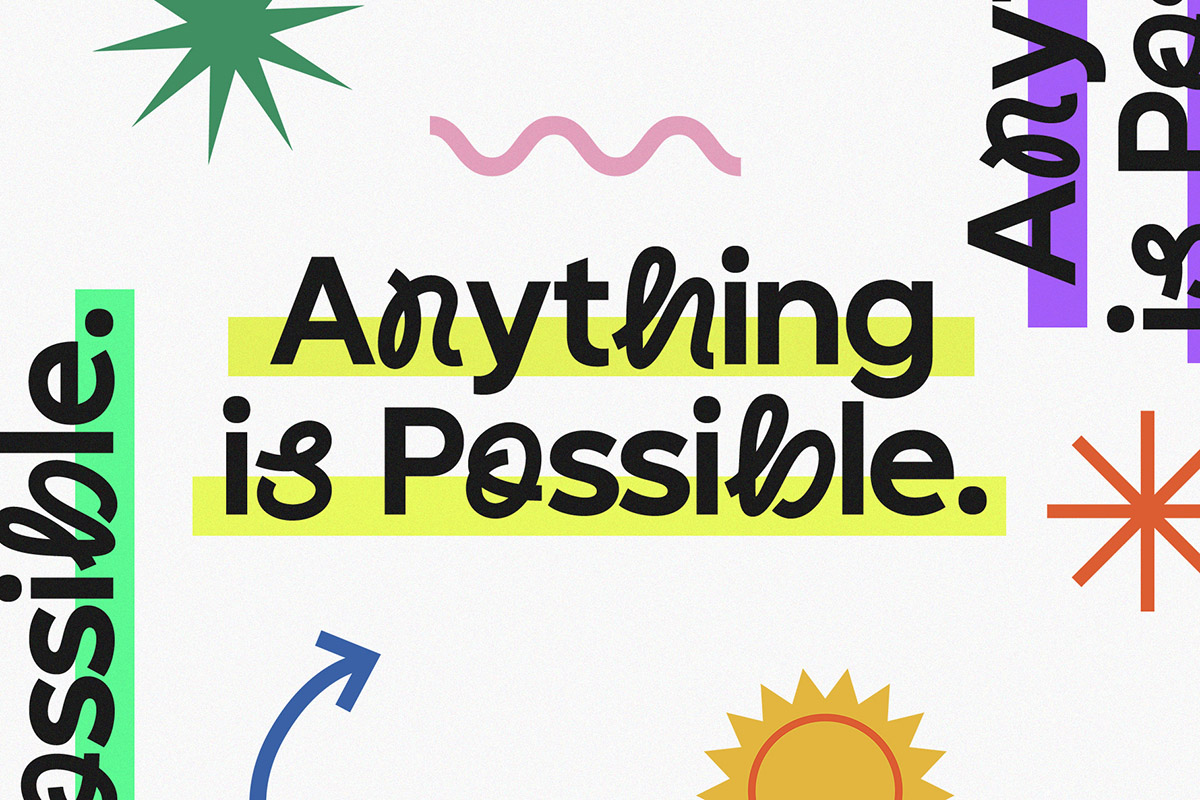
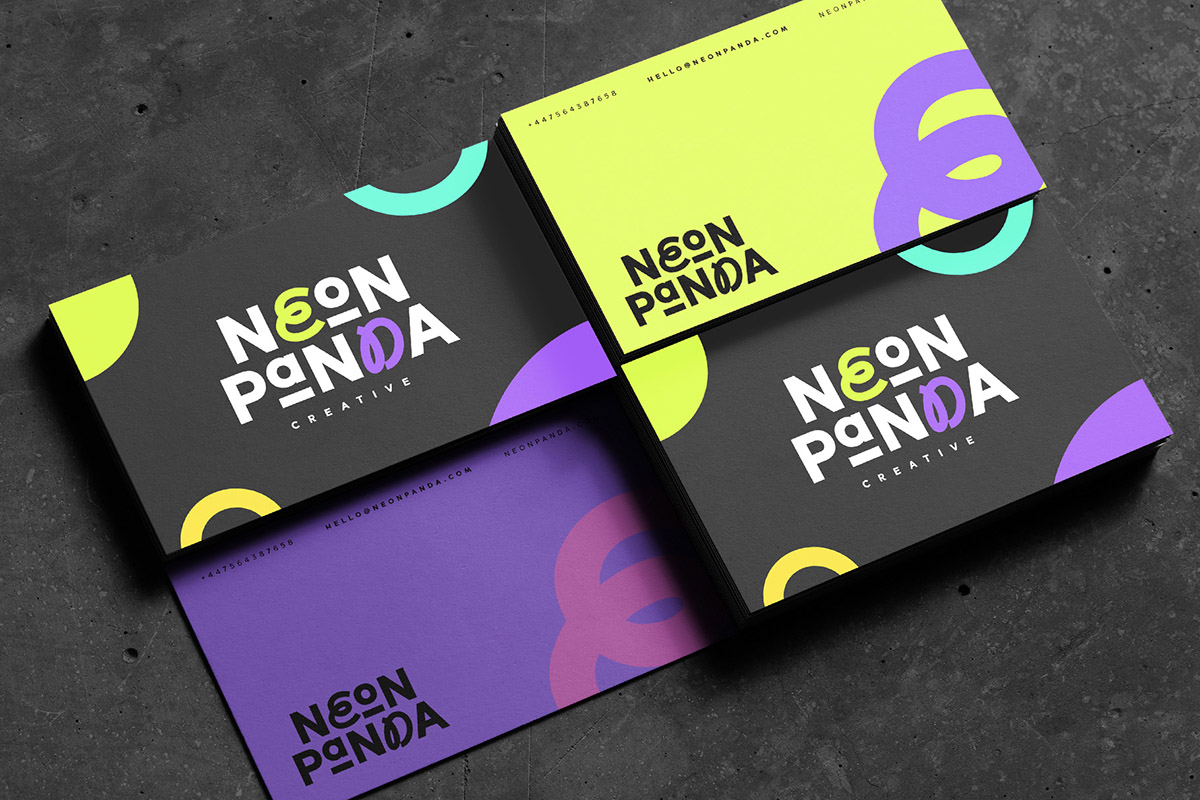
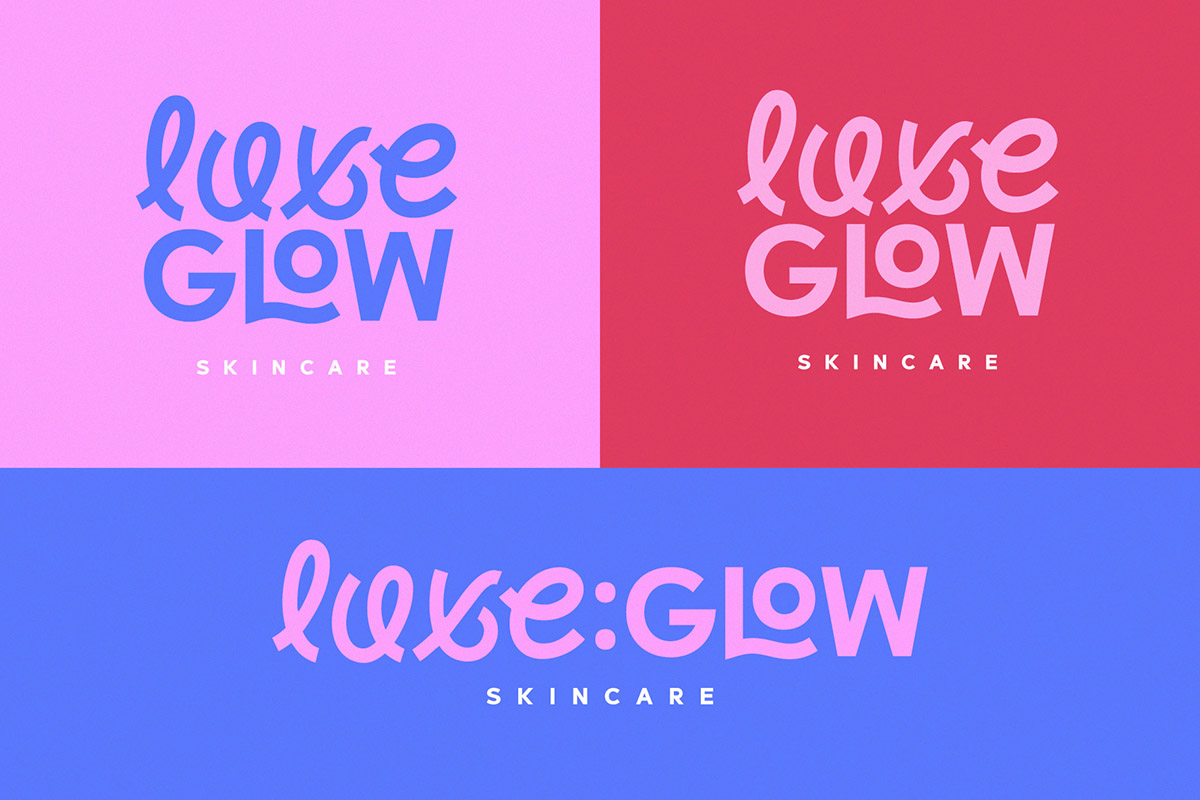
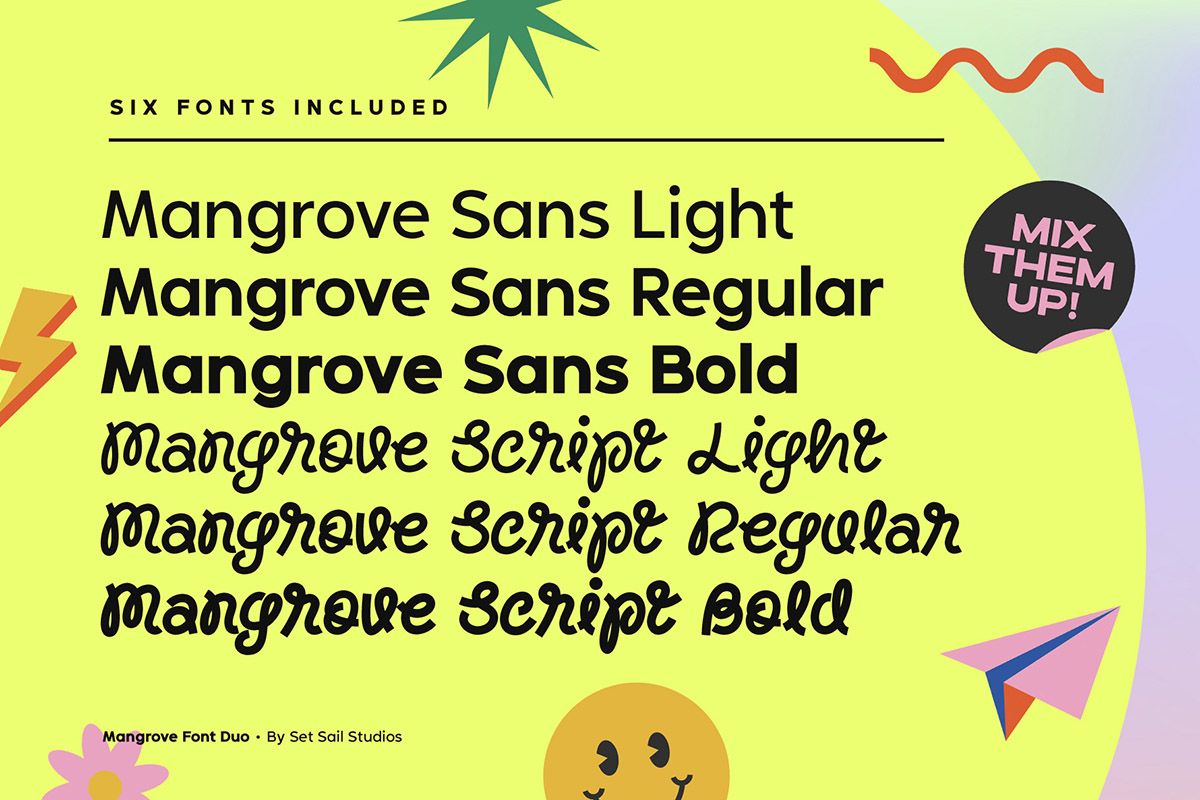
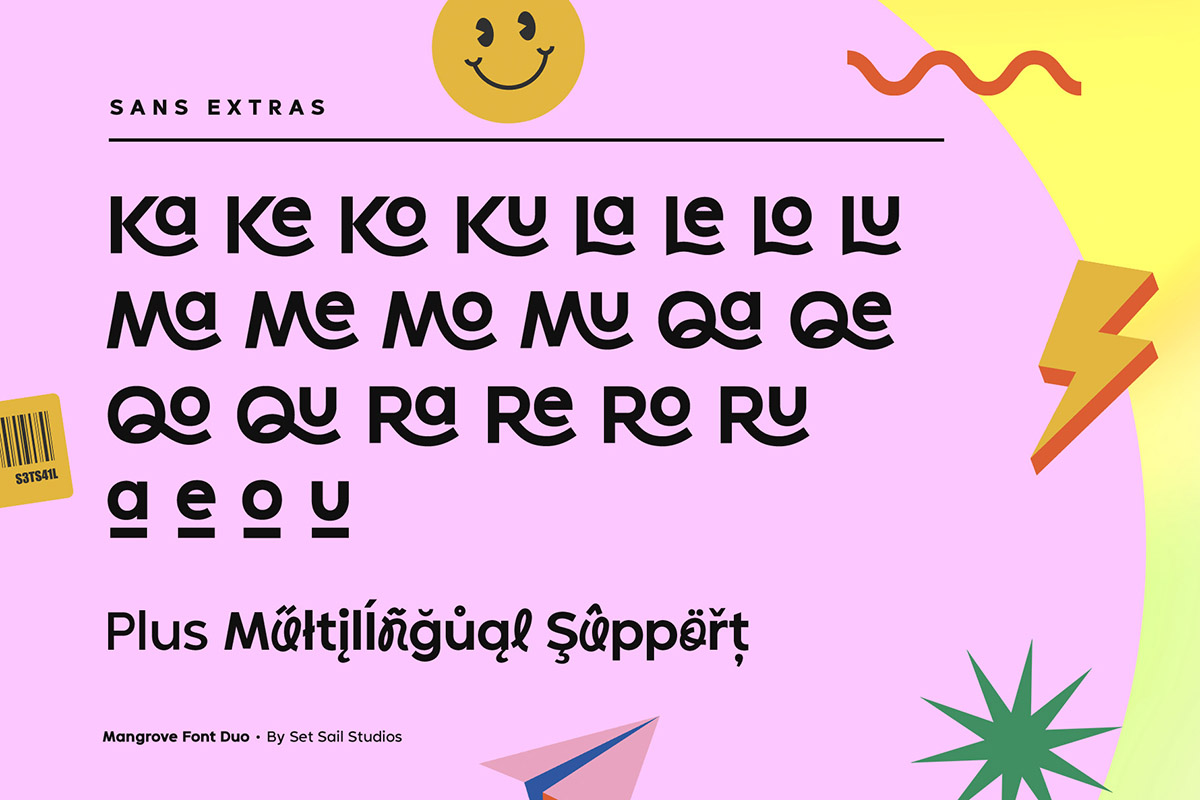
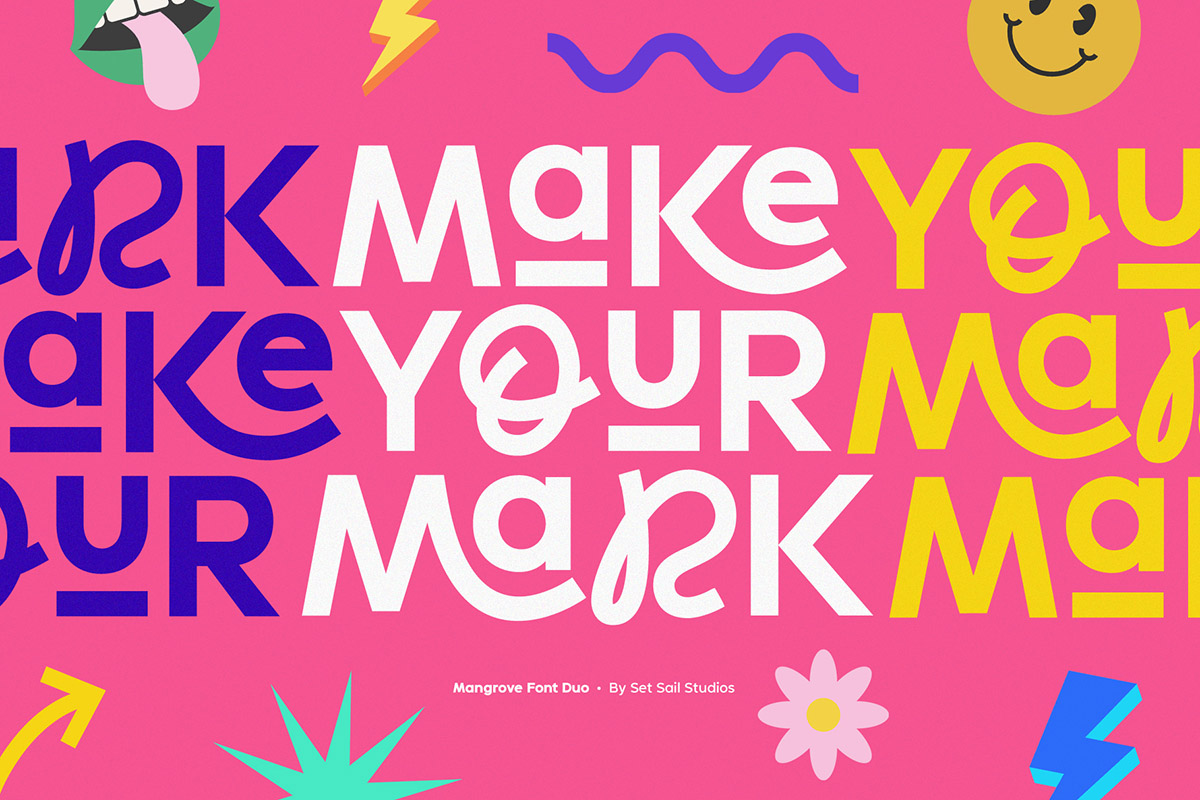
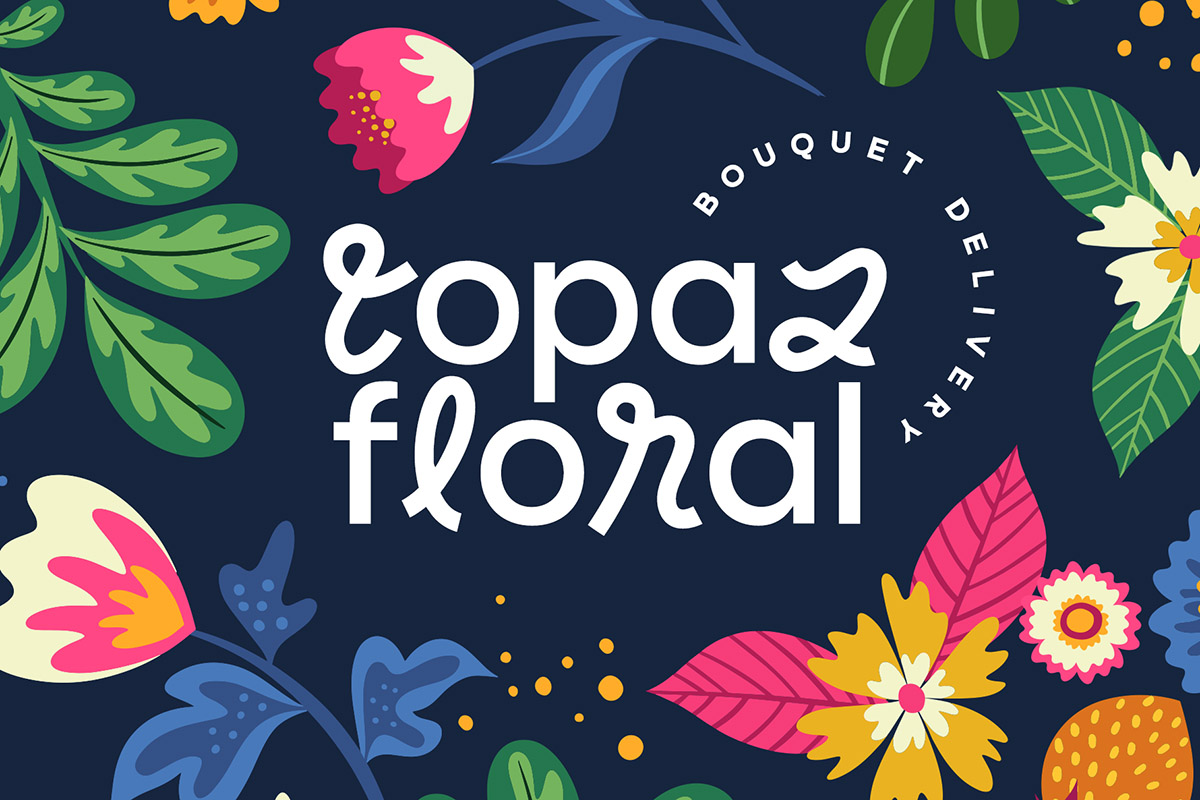
Bring your letters to life with the Mangrove Font Duo! A delightfully playful pairing of Sans and Script fonts. These perfectly balanced typefaces have been carefully designed to work not only as standalone fonts, but also to pair together effortlessly—delivering undeniably eye-catching typography bursting with character. Throw a script letter in the middle of the sans font, try the swooping sans ligatures or it’s uplifting small-caps, the possibilities are numerous. It’ll work in lowercase or uppercase, and with a choice of 3 weights per font, that’s six fonts in total for you to experiment with!
Language Support • English, French, Italian, Spanish, Portuguese, German, Swedish, Norwegian, Danish, Dutch, Finnish, Indonesian, Malay, Hungarian, Polish, Croatian, Turkish, Romanian, Czech, Latvian, Lithuanian, Slovak, Slovenian.
Thanks for checking it out, and feel free to get in touch if you have any queries.
~ Sam

Do you have a number set and other glyphs like quotation marks?
Hi Erica, absolutely, please see the full glyph set here; https://www.youworkforthem.com/font/T21424/mangrove-font-duo/glyphs/
Great! Thanks 🙂 I also have a few ideas in mind. Let me email you now. x
Hi Sam, I bought the mangrove font. How do I get the ligatures and the uplifting small caps?
Hi Jennie,
Thanks for your purchase! There are a number of ways you can access the ligatures and the alternates (small caps), this depends on what software you’re using.
In Adobe software like Photoshop, to access the ligatures, type in capital letters, and set letter spacing to 0. Make sure ‘Standard Ligatures’ is turned on, it’s an icon that looks like an ‘fi’ in the Character panel – https://setsailstudios.com/wp-content/uploads/2020/02/laluxesligaturesphotoshop.png . Ligatures should now automatically generate as you type, whenever available. Turning on ‘Stylistic Alternates’ in this same window (the ‘aa’ icon) will also allow you to access the small-caps by typing a lowercase a, e, o, or u. Another option to access the entire character set from the font, you can also head to Window -> Glyphs, select Mangrove from the font drop down, and double click any character from the font to input it into your text box.
In Canva, a quick way to turn on ligatures is shown in my tutorial here; https://setsailstudios.com/a-new-way-to-use-ligatures-with-canva/
To access all characters in Canva including the small caps, you can use this tutorial instead; https://setsailstudios.com/using-font-ligatures-with-canva-pro/
If you need any additional help or are using a different software, please drop me an e-mail at sam@setsailstudios.com and I’d be happy to assist!
I found your youtube instruction! yeay it works!
Glad to hear that! Hope you enjoy the font 🙂